Auth Profiles
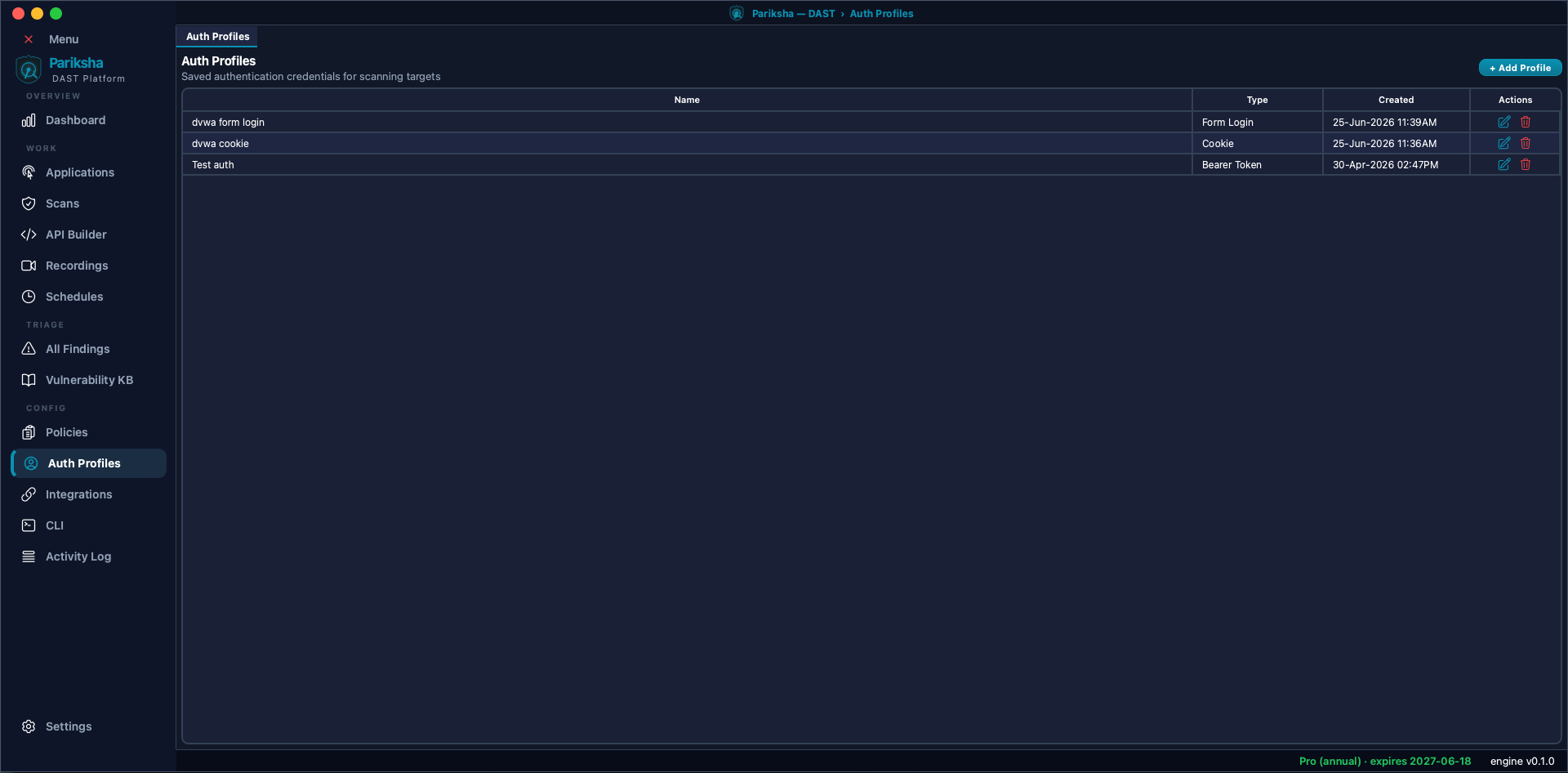
An unauthenticated scan tests your login page and very little else. Auth profiles are how you get the scanner past the front door — saved once, reused across every scan of that application.
What an Auth Profile Is
A named set of credentials that Vooki Pro attaches to scan traffic. Because it is stored separately from any single scan, rotating a token means editing one profile rather than re-configuring every scan that used it.
Creating a Profile
- Open Auth Profiles under Config in the sidebar.
- Click Add, give the profile a name, and pick the type.
- Fill in the fields for that type. Secret fields are masked.
- Save. The profile now appears in the Auth step of both the web and API scan wizards.
Supported Types
- Bearer Token — a single token value, sent as
Authorization: Bearer <token>. - Basic Auth — username and password, encoded and sent as an
Authorizationheader. - API Key — a key sent in the header or parameter your API expects.
- Cookie — one or more cookies, for example
sessionid=abc; csrftoken=xyz. These are merged into the session cookies on every scan request. - OAuth2 Client Credentials — token endpoint, client ID, client secret and scope. Vooki Pro fetches a token and uses it for the scan, so you are not pasting a token that expires in an hour.
You can also capture a live session by recording a browser walkthrough and saving its cookies as a profile — the most reliable option for applications with a login flow that is hard to reproduce by hand.
Using a Profile in a Scan
- Web scans — select the profile on the Auth step of the wizard.
- API projects — apply the profile in bulk across an entire collection instead of editing each request.
- CLI — the exported config carries an
authblock with the headers and cookies, so a scheduled or pipeline run authenticates exactly like the GUI run did.
Getting It Right
- Use a dedicated test account. The scanner will submit forms, change data and try to escalate privilege. Do not point it at a real user's account.
- Exclude the logout URL in your discovery filters, or the scanner will helpfully log itself out mid-scan.
- Check the token lifetime. A one-hour token on a four-hour Deep scan means most of the scan runs unauthenticated. Use OAuth2 client credentials, or a longer-lived test token.
- Verify before you scan. Send a request in the API Builder with the profile applied and confirm you get a 200 rather than a 401.